Self-ordering kiosk for restaurants
The highest-intent searches ask for a kiosk that works inside the restaurant workflow, not a standalone screen. Keep menu sync, POS reporting, payment handling, and kitchen routing in one implementation plan.
Give guests a clean touchscreen ordering path that stays connected to your menu, payment, and kitchen workflow instead of becoming another system to manage.
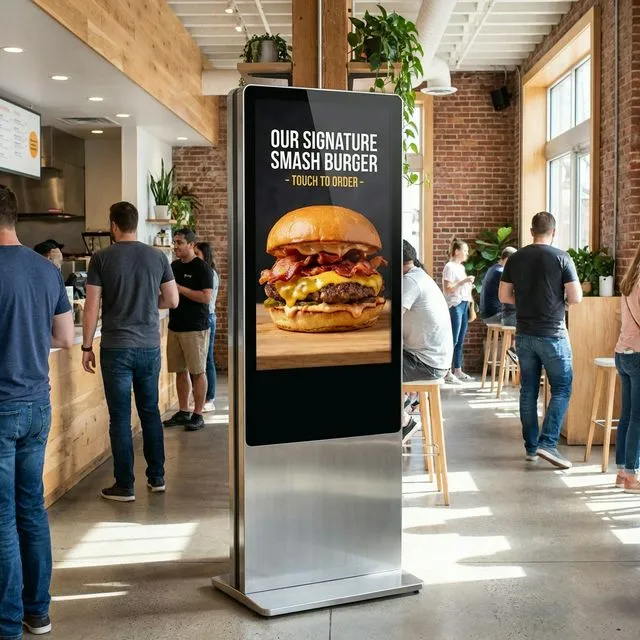
Search-led positioning
Current self-service kiosk research points to the same practical questions: will the kiosk move lines, keep orders accurate, connect to the kitchen, handle payments cleanly, and still leave room for hospitality when a guest needs help?
The highest-intent searches ask for a kiosk that works inside the restaurant workflow, not a standalone screen. Keep menu sync, POS reporting, payment handling, and kitchen routing in one implementation plan.
Kiosks are strongest when the lunch rush creates visible counter lines. QuickDine positions them as an additional ordering path alongside cashier, handheld, online, and QR/NFC ordering.
Measure queue length, order accuracy, modifier uptake, payment completion, staff assists, and guest abandonment during a pilot before expanding to more locations.
Show menu photos, item details, combos, and required modifiers in a guided touchscreen flow that is easier to scan than a crowded counter board.
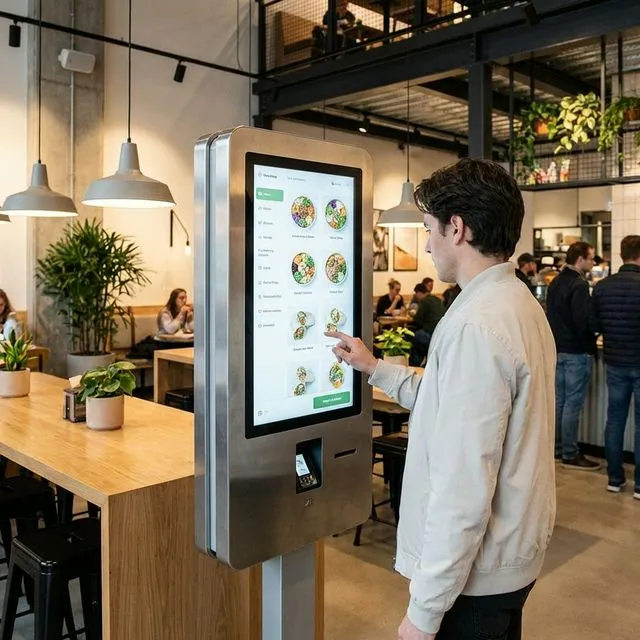
Present sides, drinks, upgrades, and required choices the same way every time, then compare the actual order mix before claiming check-size lift.
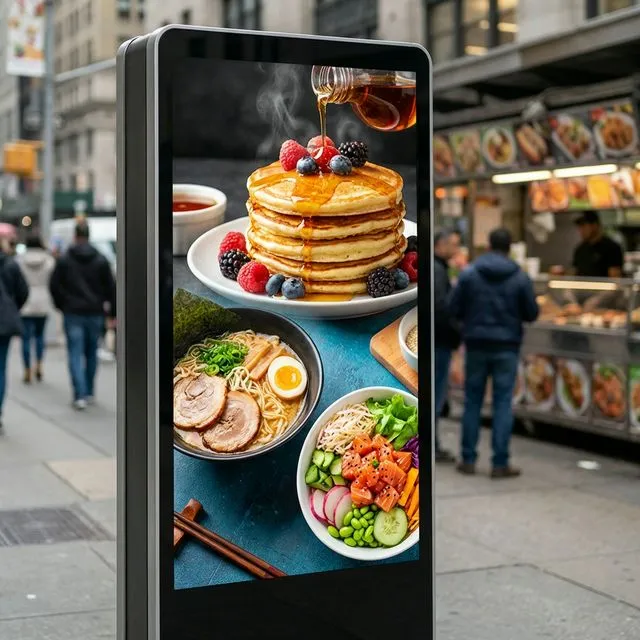
Plan the card-present payment step, printed receipt behavior, order number handoff, refunds, and staff recovery before the kiosk goes live.
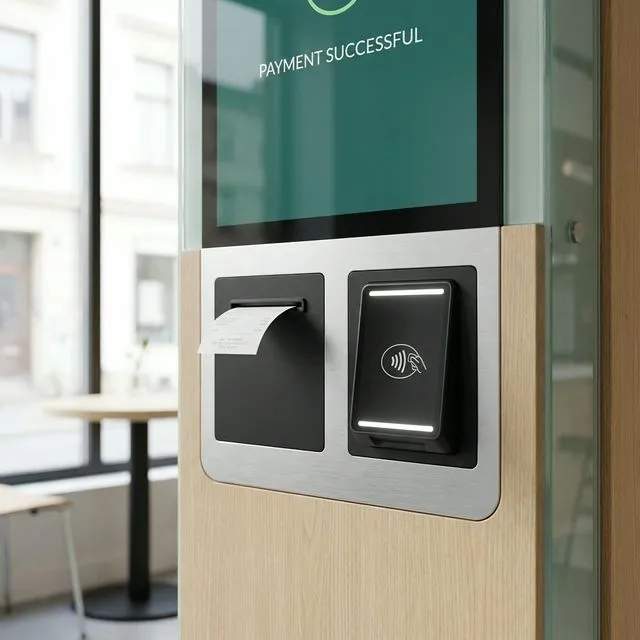
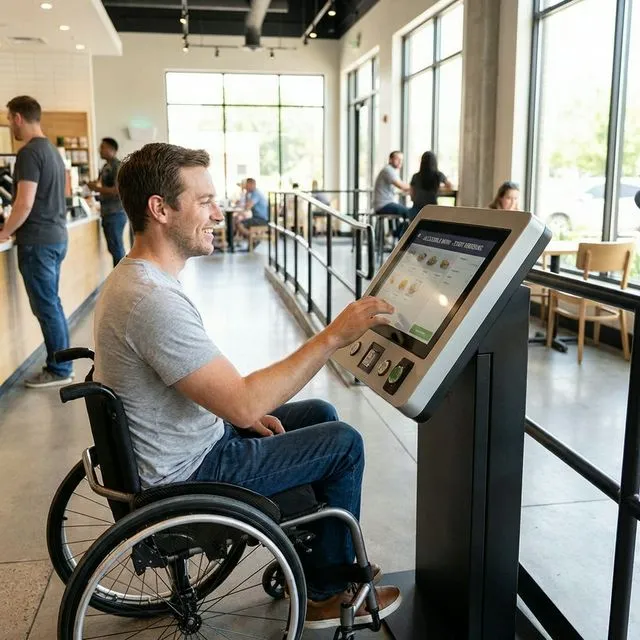
Support guests with clear language choices, high-contrast screens, reach-mode planning, and a staff-assisted fallback for accessibility or allergy questions.
Rollout checklist
A self-ordering kiosk succeeds when the menu, payment, and kitchen path are tested together. QuickDine keeps the pilot focused on visible service flow, not vague automation promises.
A kiosk works best when it shares the same operational backbone as restaurant POS, kitchen display, and online ordering so guests can choose the channel without splitting menu management.
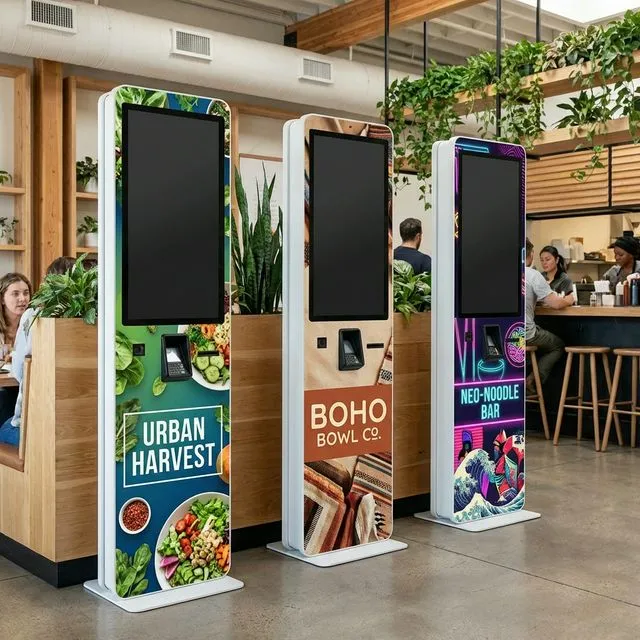
Payment processing
Evidence Before Endorsements
QuickDine does not publish placeholder testimonials, invented ratings, or unverified savings claims. We are assembling consented restaurant stories with documented context.
Customer Consent
Named restaurant stories are published only with approval from the business.
Measured Context
Any outcome includes its measured period, baseline, and workflow context.
Reviewable Sources
Comparison statements point to current vendor sources or dated written quotes.