
Counter workflow fit
Confirm the terminal supports the order-entry speed, modifier depth, cash drawer, receipt, and customer display workflow your counter staff actually use.
QuickDine's current POS hardware cohorts include T50 and D4 Android devices. Choose the exact counter device after checking order entry, printer routes, payments, power, and space.
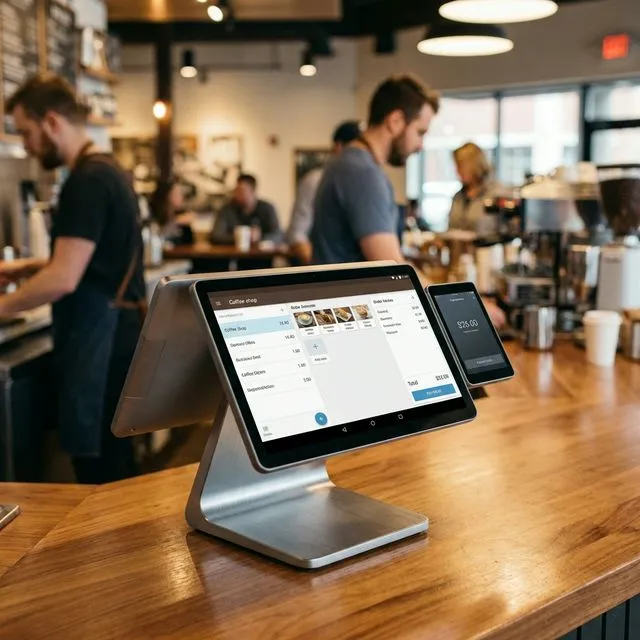
Run your actual menu, modifiers, receipts, and staff handoffs on the proposed Android POS device. Confirm any customer-facing display separately.
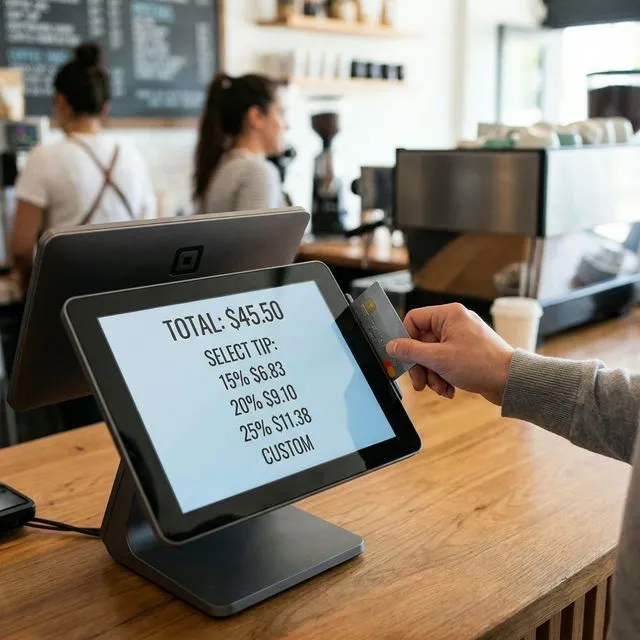
Check the selected device's network ports and how it will reach the kitchen and receipt printers. A T50 LAN setup and D4 built-in setup have different print paths.
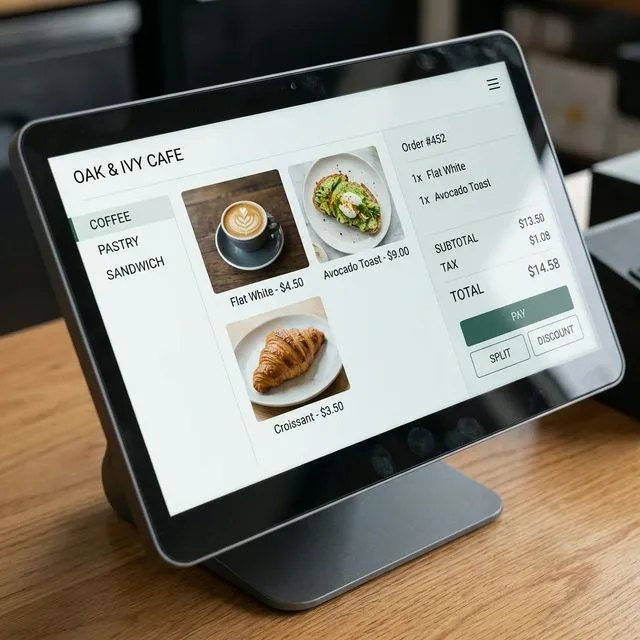
QuickDine's supported in-person card flow uses Helcim Smart Terminal. Do not assume the Android POS screen includes an approved card reader.
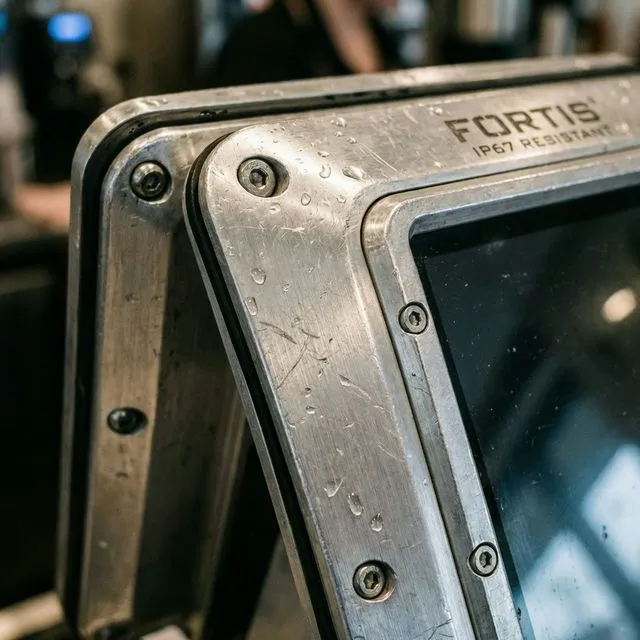
Confirm the manufacturer's battery and environmental ratings for the exact model. Review what staff do during power or network loss before rollout.
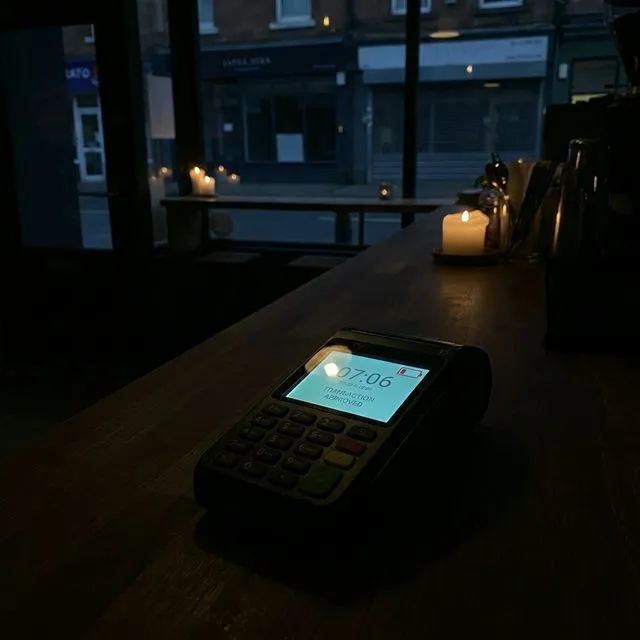
POS terminal evaluation
A terminal decision should answer concrete buying questions before a restaurant commits: counter workflow, payment choice, printer routing, staff support, and failure recovery.
Confirm the terminal supports the order-entry speed, modifier depth, cash drawer, receipt, and customer display workflow your counter staff actually use.
Map which items go to receipt printers, kitchen printers, and KDS screens before choosing hardware, especially for restaurants with multiple prep stations.
Review the Helcim Smart Terminal flow and its processing terms separately from QuickDine software and Android POS hardware costs.
Document what staff do during Wi-Fi loss, payment-device failure, paper replacement, and end-of-day close so the hardware decision is operationally testable.
Related hardware and pricing research
Payment processing
Evidence Before Endorsements
QuickDine does not publish placeholder testimonials, invented ratings, or unverified savings claims. We are assembling consented restaurant stories with documented context.
Customer Consent
Named restaurant stories are published only with approval from the business.
Measured Context
Any outcome includes its measured period, baseline, and workflow context.
Reviewable Sources
Comparison statements point to current vendor sources or dated written quotes.