
Demand-based coverage
Compare the schedule against lunch, dinner, patio, delivery, and event windows so managers are not building shifts from memory alone.
Build schedules in minutes, not hours. Communicate shifts directly to your team's phones and handle trade requests with one click.
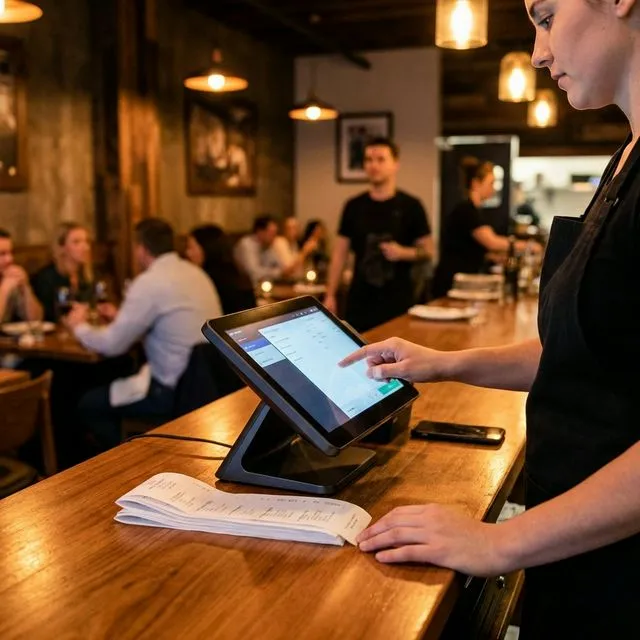
See your entire week at a glance. Copy previous schedules, use templates, and drag shifts to fill gaps in seconds.
Keep work chats out of personal texts. Blast announcements to the whole staff or message individuals directly in the app.
Prevent early punch-ins. The system only allows clock-ins when the shift starts and the employee is physically on-site (GPS).
Stay out of trouble. Get warned instantly if a schedule violates overtime rules, break requirements, or minor labor laws.
Scheduling evaluation checklist
Scheduling is only useful if it survives real service pressure: sick calls, shift swaps, patio weather, delivery spikes, payroll review, and managers who need a readable plan before the rush.
Compare the schedule against lunch, dinner, patio, delivery, and event windows so managers are not building shifts from memory alone.
Staff should know when a shift changes, who approved it, and what role or station they are covering without relying on scattered text threads.
Restaurants need a simple way to compare planned labor against expected sales before the week starts, then review actuals after service.
Scheduling should connect to the POS operating model: managers, servers, counter staff, kitchen roles, and payroll review all need consistent names.
Connect scheduling to POS operations
Payment processing
Evidence Before Endorsements
QuickDine does not publish placeholder testimonials, invented ratings, or unverified savings claims. We are assembling consented restaurant stories with documented context.
Customer Consent
Named restaurant stories are published only with approval from the business.
Measured Context
Any outcome includes its measured period, baseline, and workflow context.
Reviewable Sources
Comparison statements point to current vendor sources or dated written quotes.