
Check Scanner Fit Before You Buy
A scanner only helps when the code, device connection, and software workflow match. Bring your sample barcodes and intended use case to a QuickDine hardware review.
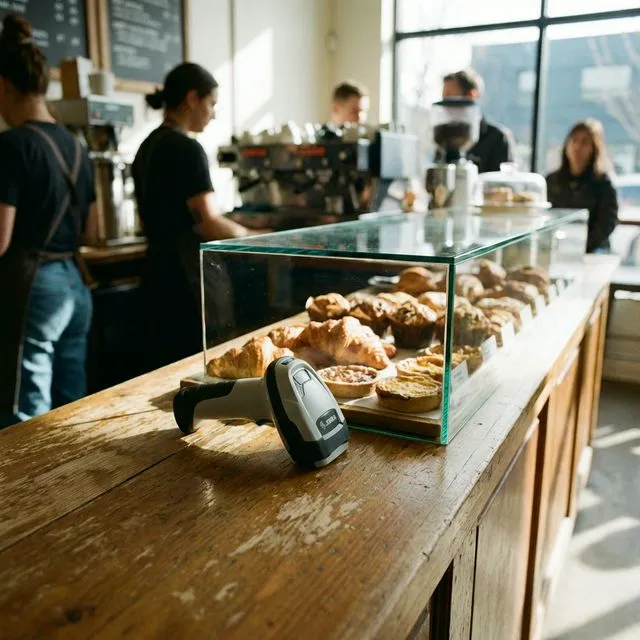
Compatibility Checklist
Questions for a Scanner Trial
Test the Codes You Actually Use
Ask the device supplier to demonstrate your printed labels and any phone-screen codes. Read speed and low-light performance depend on the scanner model.
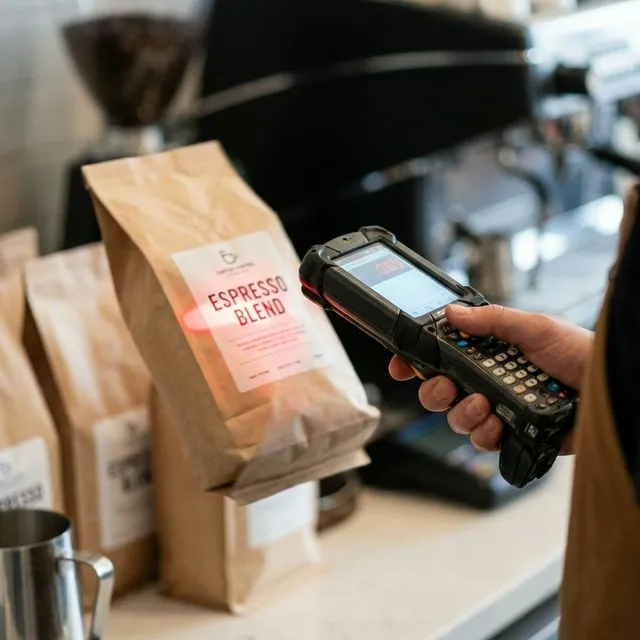
Separate Customer QR Ordering
QuickDine's customer QR and NFC ordering starts on a guest's phone. A barcode scanner is not required for that flow; confirm any separate coupon or loyalty need before buying one.
Confirm the Software Destination
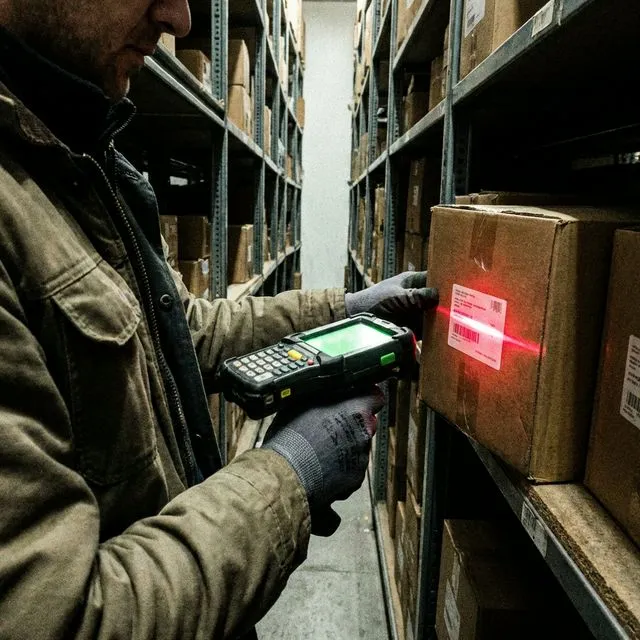
Ask where scanned data would go in your current workflow. Menu item availability does not imply stockroom batch scanning or ingredient inventory sync.
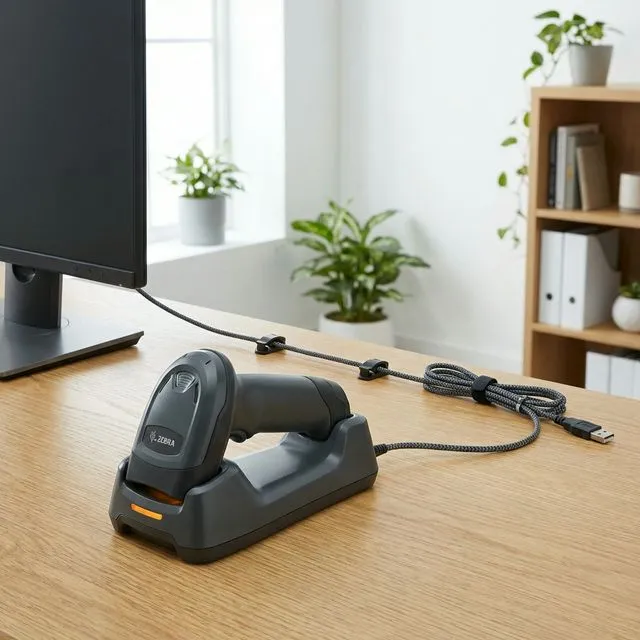
Verify Connection and Range
Test Bluetooth or wired input with the chosen Android device at the actual counter. Range, charging, and stand options vary by model.
Review menu availability controls and the restaurant POS workflow before specifying a scanner.
Payment processing
Evidence Before Endorsements
QuickDine does not publish placeholder testimonials, invented ratings, or unverified savings claims. We are assembling consented restaurant stories with documented context.
Customer Consent
Named restaurant stories are published only with approval from the business.
Measured Context
Any outcome includes its measured period, baseline, and workflow context.
Reviewable Sources
Comparison statements point to current vendor sources or dated written quotes.