Plan Receipt and Kitchen Printing
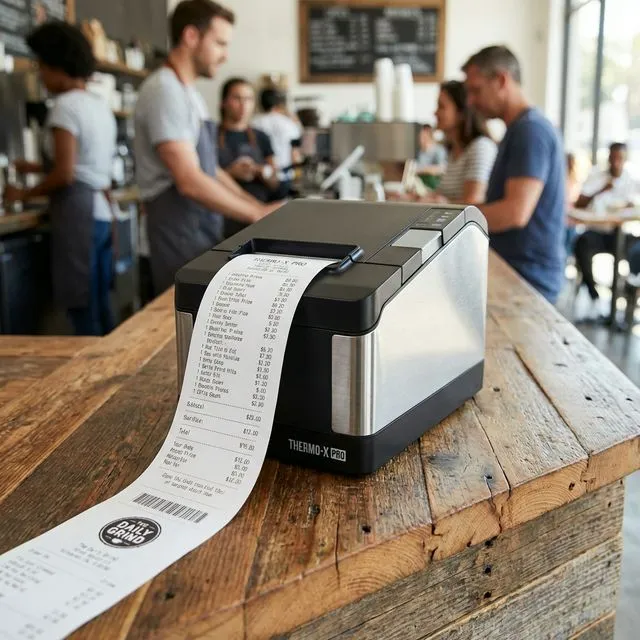
QuickDine routes configured receipt and kitchen jobs through supported Android POS printing setups. Confirm the exact printer, connection, and station coverage before ordering hardware.
Printer Planning
Verify the Full Print Path
Match Each Station to a Printer
Map kitchen and receipt jobs to the station where staff need the paper. Printer roles and coverage must match the restaurant's actual setup.
Confirm the Supported Transport
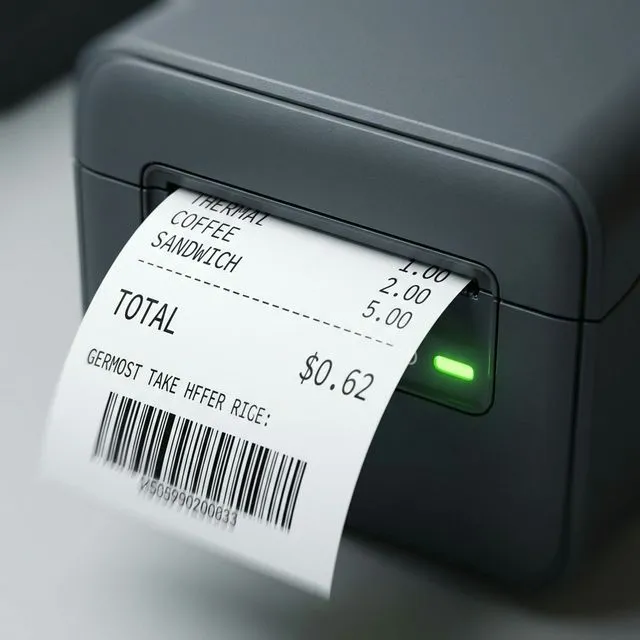
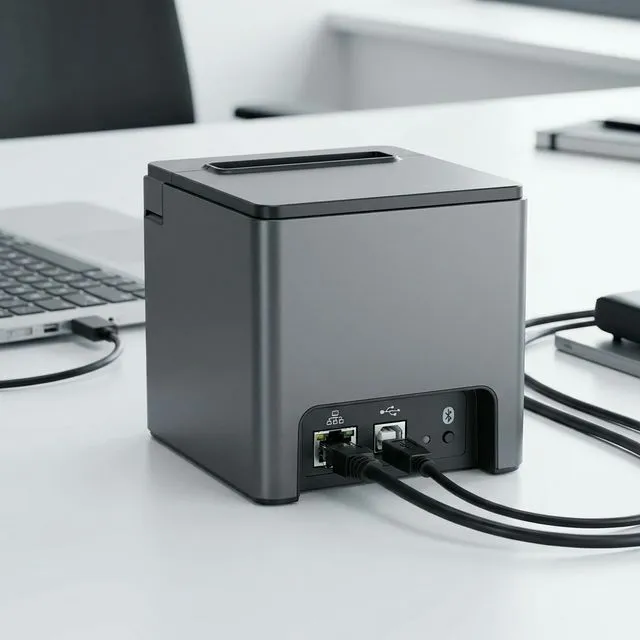
A supported D4 setup can use its built-in printer; a T50 setup can enroll an approved local LAN printer. Check the exact model, print commands, and hardware policy before purchase.
Test an Actual Order Print
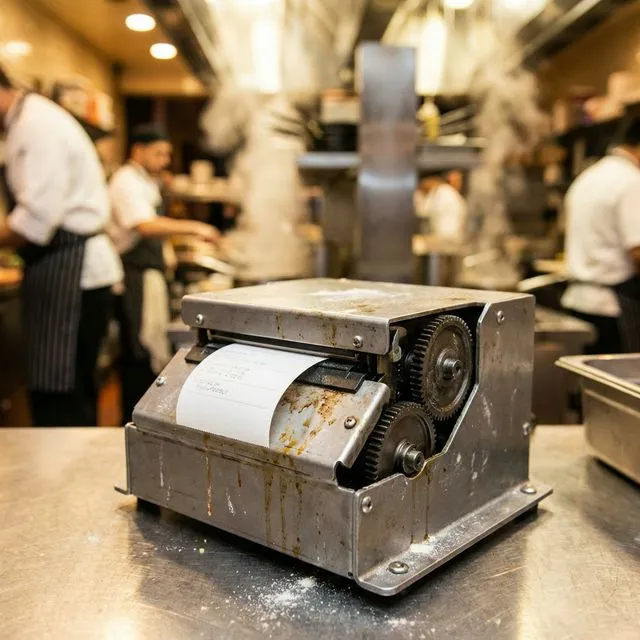
A local test print checks only one path. Before go-live, verify that a real order creates a job and the enrolled printer receives, prints, and acknowledges it.
Plan for Paper and Network Failures
Choose a printer with suitable paper and cutter status handling, and agree on what staff do when a device goes offline. A failed receipt is not silently sent to a different printer.
Plan printers alongside the restaurant POS workflow and kitchen display workflow.
Payment processing
Evidence Before Endorsements
QuickDine does not publish placeholder testimonials, invented ratings, or unverified savings claims. We are assembling consented restaurant stories with documented context.
Customer Consent
Named restaurant stories are published only with approval from the business.
Measured Context
Any outcome includes its measured period, baseline, and workflow context.
Reviewable Sources
Comparison statements point to current vendor sources or dated written quotes.