
Plan a Kitchen Display That Fits Your Line
QuickDine's kitchen-facing order workflow can show tickets on supported POS screens. Choose display hardware only after checking placement, network, power, and operating conditions for your kitchen.
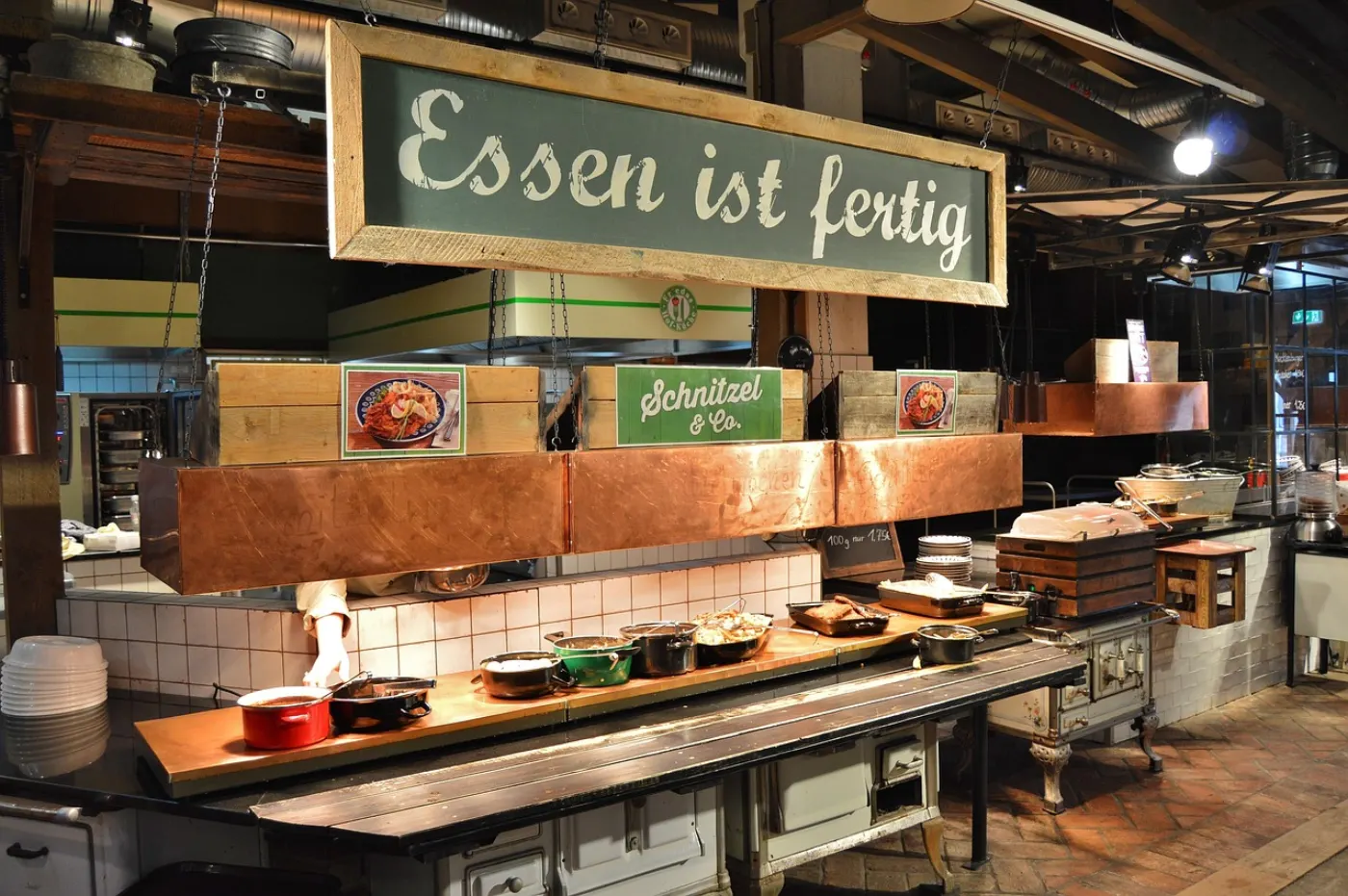
KDS Planning
Check the Kitchen Workflow and Device Fit
Keep Tickets Visible
Review how QuickDine Live Orders presents kitchen-visible tickets and what staff need to see at each prep station.

Map Stations and Printers
Decide which items should appear on a screen, print at a station, or reach both. Verify routing and printer coverage during setup.
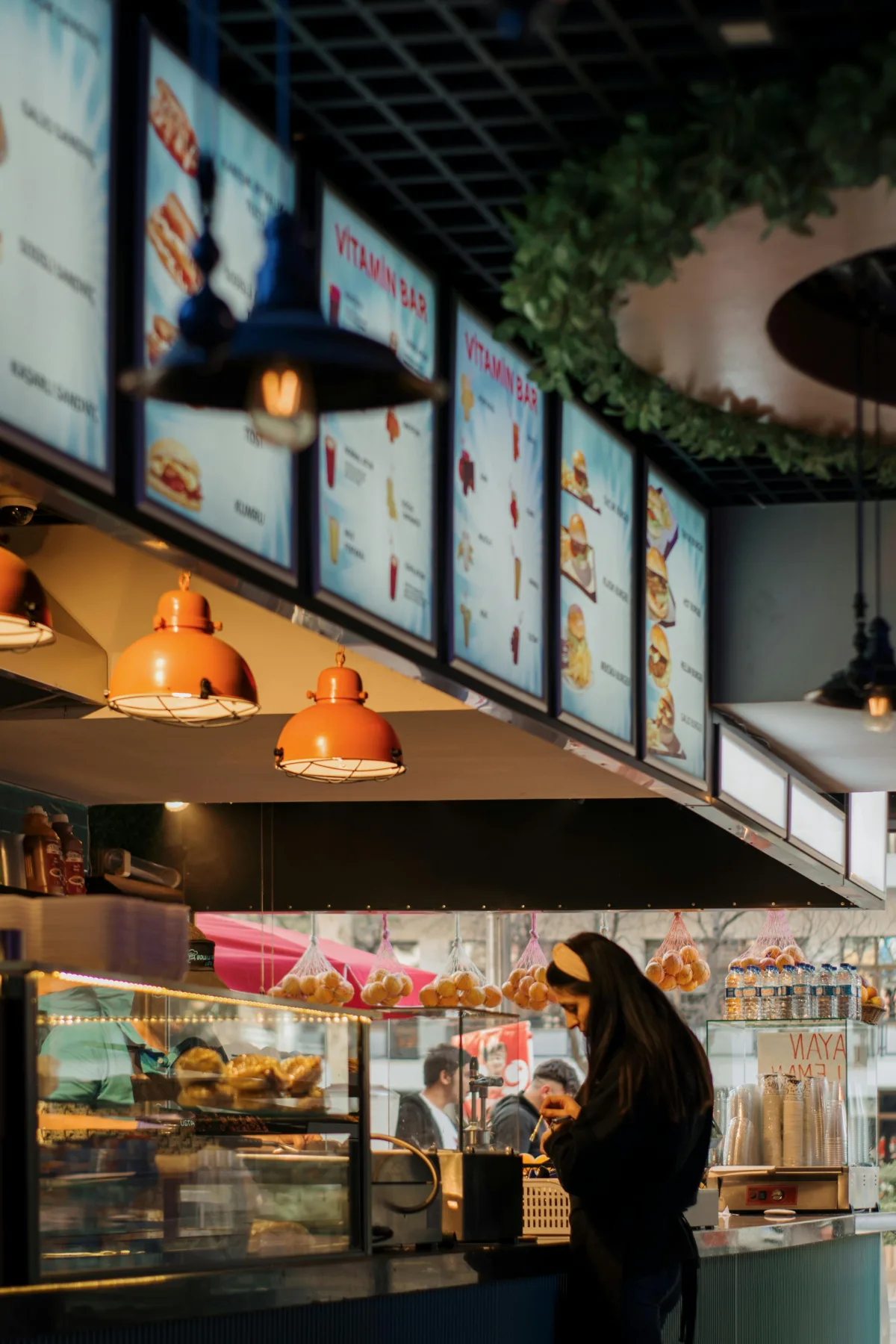
Choose Screen Size and Controls
Check reading distance, glove use, touch controls, and mounting with the actual device supplier. No specific display or bump bar is included by this page.
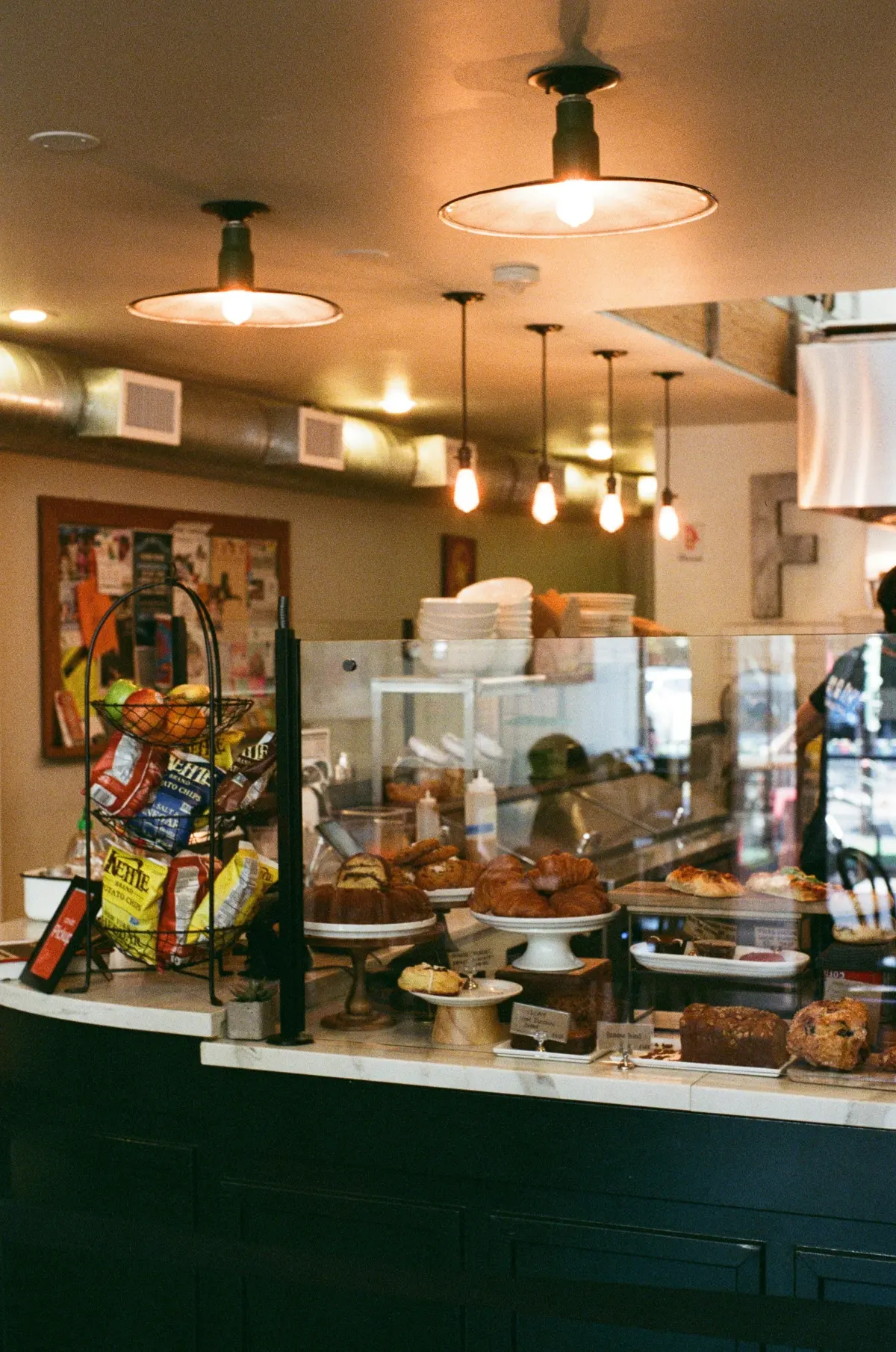
Validate Kitchen Conditions
Confirm manufacturer ratings for heat, steam, cleaning, power, and connectivity for the exact hardware you plan to install.
See the kitchen display workflow and hardware overview before ordering a display.
Payment processing
Evidence Before Endorsements
QuickDine does not publish placeholder testimonials, invented ratings, or unverified savings claims. We are assembling consented restaurant stories with documented context.
Customer Consent
Named restaurant stories are published only with approval from the business.
Measured Context
Any outcome includes its measured period, baseline, and workflow context.
Reviewable Sources
Comparison statements point to current vendor sources or dated written quotes.