
Table Service in Your Hand
Explore QuickDine's native handheld workflow for full-service tables, orders, and bills. Confirm the approved Android device and rollout fit for your restaurant before purchasing hardware.

Handheld Workflow
Plan the Handheld Service Flow
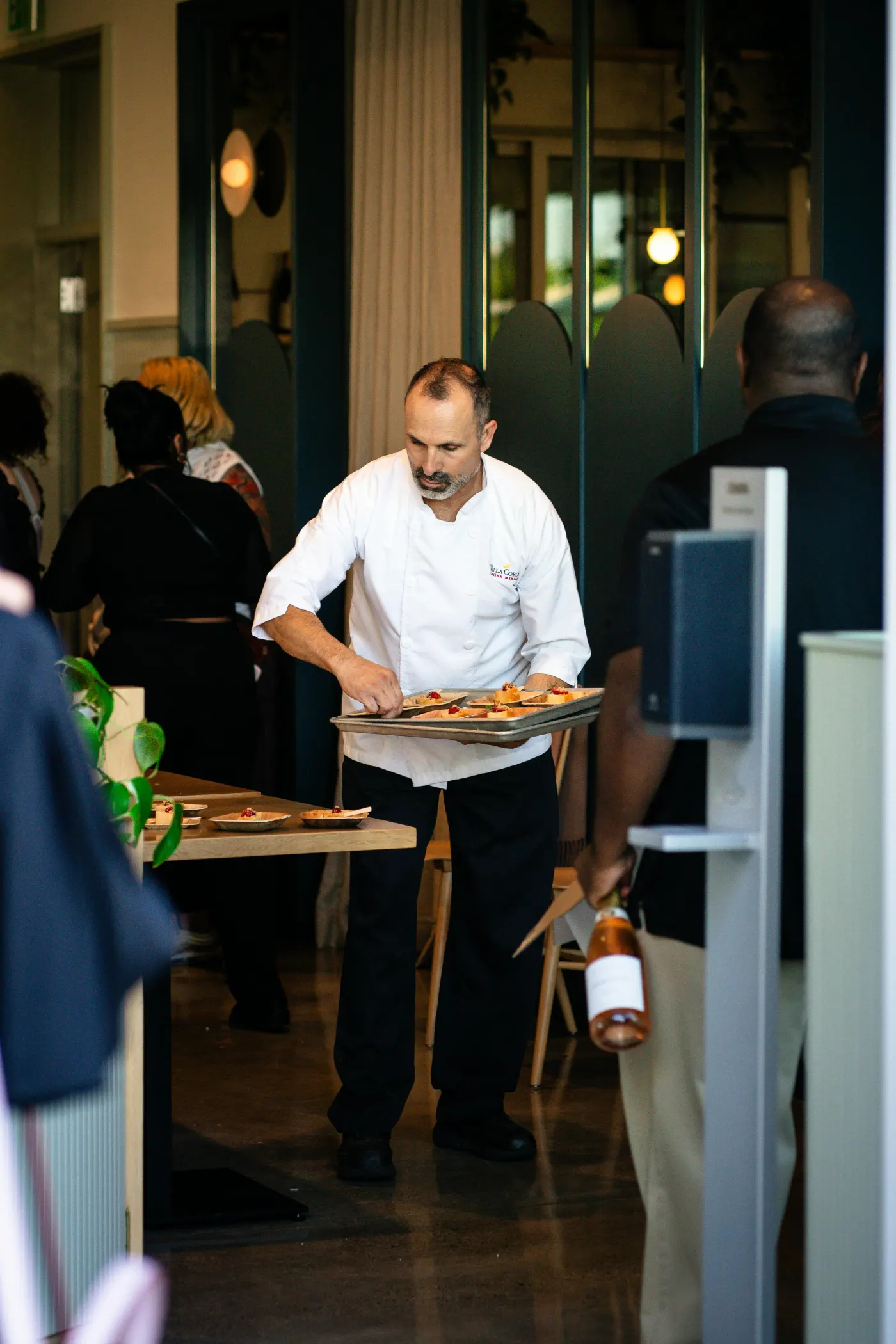
Take Orders at the Table
Open a configured table, find menu items, and capture modifiers and special instructions on the handheld workflow.
Review Before Kitchen Send
Review the order round before submitting it. Confirm the kitchen and receipt printer routes your restaurant needs during setup.
Check Network and Device Fit
Test the approved Android handset on your floor and patio, including charging, Wi-Fi coverage, and recovery during outages. Hardware specifications depend on the selected device.
Use the Supported Payment Setup
Handheld bill and payment screens do not make the phone a card reader. Confirm the paired Helcim Smart Terminal flow for card-present payments before rollout.
Compare the restaurant POS workflow and supported payment setup before selecting handheld hardware.
Payment processing
Evidence Before Endorsements
QuickDine does not publish placeholder testimonials, invented ratings, or unverified savings claims. We are assembling consented restaurant stories with documented context.
Customer Consent
Named restaurant stories are published only with approval from the business.
Measured Context
Any outcome includes its measured period, baseline, and workflow context.
Reviewable Sources
Comparison statements point to current vendor sources or dated written quotes.