
Crane 1
Restaurant hardware evaluation
Review this candidate device with the team before buying. Confirm its current manufacturer specifications, QuickDine compatibility, printer connection, and supported payment setup for your restaurant.
Ask for a device-specific demonstration and written hardware quote.
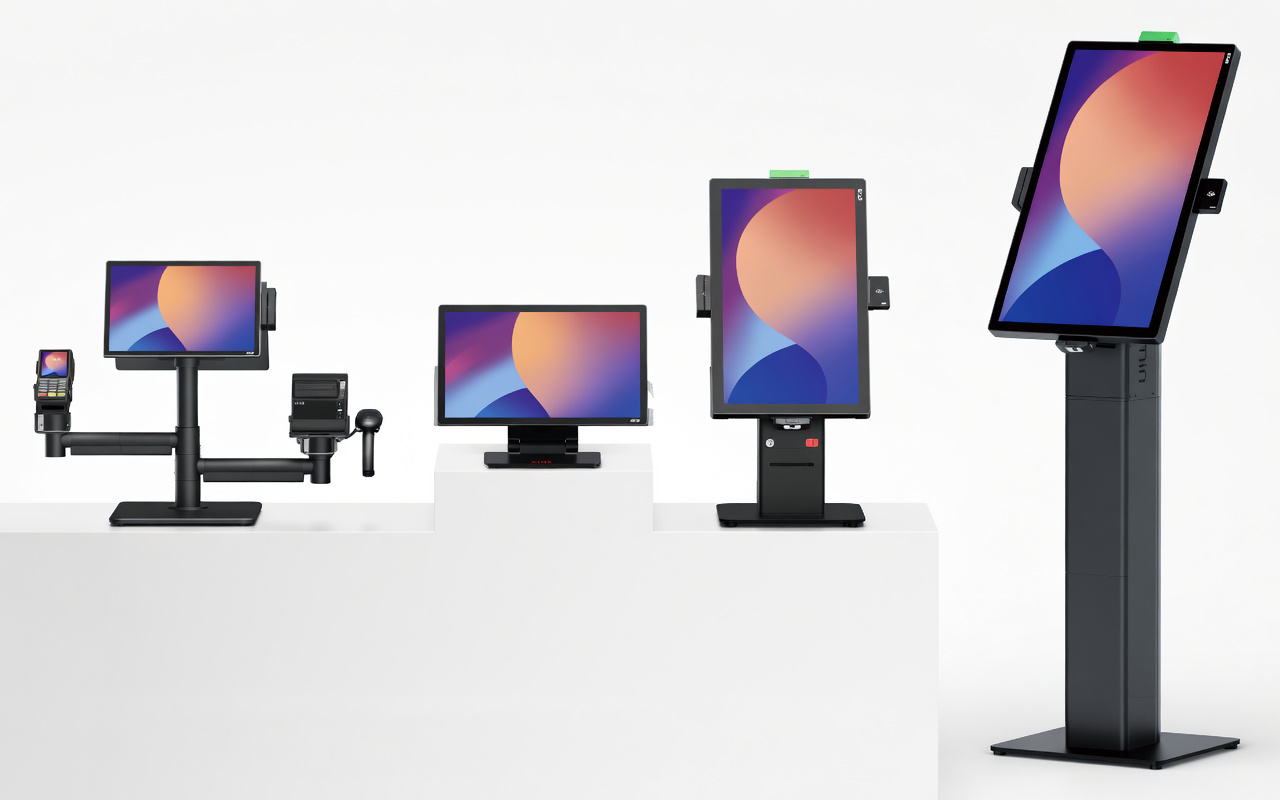
Catalog images are illustrative; confirm the exact model and accessories in your quote.
Device evaluation
What to confirm for the Crane 1
Confirm the exact model and Android version against the current QuickDine device rollout before purchase.
Review the separate Helcim Smart Terminal flow for supported in-person card payments.
Map receipt and kitchen targets, printer connection, enrollment, and a real order-print test.
Get current supplier specifications, availability, support, warranty, and total hardware cost in writing.
Plan the Restaurant Workflow
Use your own menu, service layout, and receipt needs during a device demonstration.
Request Current Device Specifications
Ask the supplier for the exact model number, operating system, ports, printer options, power requirements, environmental ratings, and warranty. Confirm those details with QuickDine before making the hardware decision.
Compatibility review
Check This Device with Your QuickDine Setup
A catalog listing is not proof that every QuickDine workflow is ready on this model. Test the exact device, POS build, printer route, and payment terminal for the intended restaurant before rollout.
Ready to see it in your restaurant?
Bring your candidate model and restaurant requirements to a device-specific demo.
Schedule a demo